
Appearance

Make it look like yours.

Light or dark, seven themes, and an accent colour you pick — carried into the widgets, and explained by guides in the app.

Modes
System, Light, Dark
Themes
7
Accent
20 colours, or your own
Guides
3, inside the app
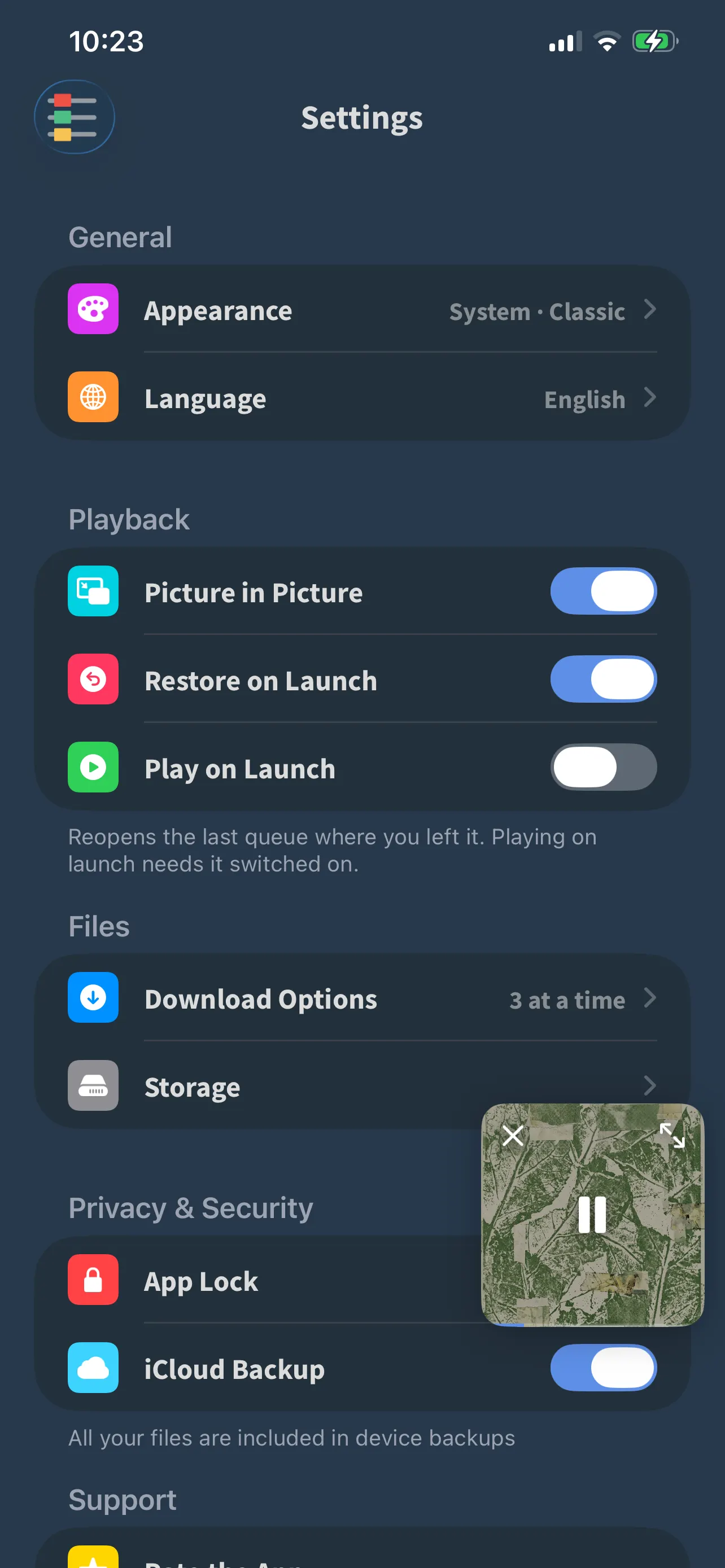
FoxFM’s Settings screen showing Appearance, Language, playback switches and App Lock
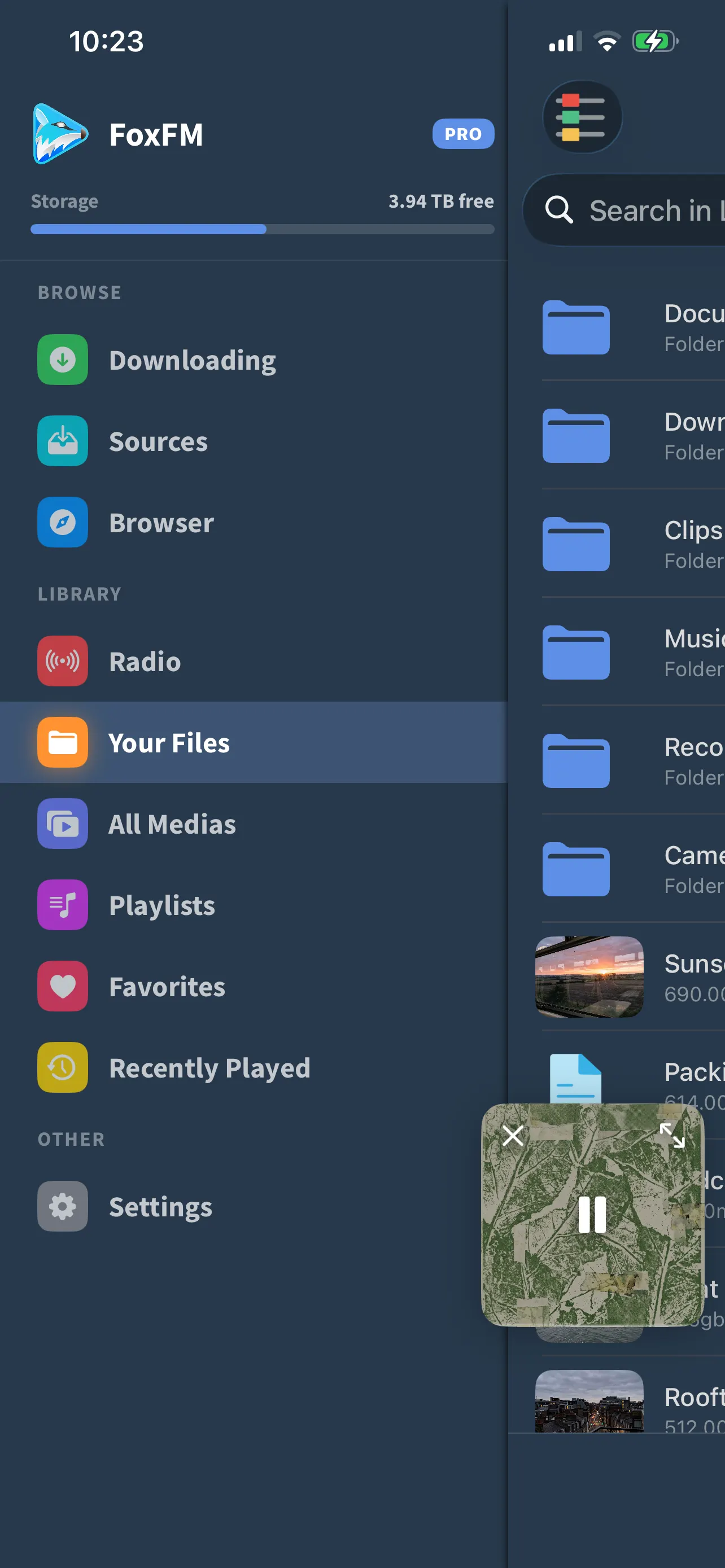
FoxFM’s menu with Downloading, Sources, Browser, Radio, Your Files, All Medias, Playlists and Favorites

Two dials, not one

  • System, Light or Dark, changing as you tap with no restart
  • Seven themes — Classic, Ocean, Slate, Moss, Ember, Plum and Carbon — which set the surfaces and the text
  • An accent colour on top: twenty presets or a colour of your own, and a theme never overrides it
  • The widgets have their own looks and their own light or dark setting, at the bottom of the same screen

Settings that answer before you open them

  • Each row shows its current value — the appearance you are on, whether App Lock is set, how many downloads run at once
  • Search the settings when you know the word but not the section
  • Pick the app’s language yourself, whatever the phone is set to
  • A storage screen shows what media, thumbnails and caches take up — and only ever clears the caches, never your media

Guides, where the questions are

  • Sources carries three step-by-step guides: importing from other apps, setting up the widgets, and finding the visualizer
  • Each is written for the version of iOS you are on
  • A short What’s New screen appears once after an update, and points at the guides

Questions

About appearance

How many themes are there?

Seven — Classic, Ocean, Slate, Moss, Ember, Plum and Carbon — on top of System, Light and Dark. Your accent colour is chosen separately and is not overridden by a theme.

Can I use the app in a different language than my phone?

Yes. Settings has its own language picker, so you can run FoxFM in one of its 23 languages whatever your device is set to.

Where are the guides?

Open the menu and tap Sources: the Guides section has three walkthroughs — importing from other apps, Home Screen widgets, and the visualizer.

Will clearing storage delete my files?

No. The storage screen measures your media but only clears thumbnails, caches and browsing data. Your files are only ever removed by you.

Get FoxFM for iPhone and iPad.

Free on the App Store · iOS 16 or later